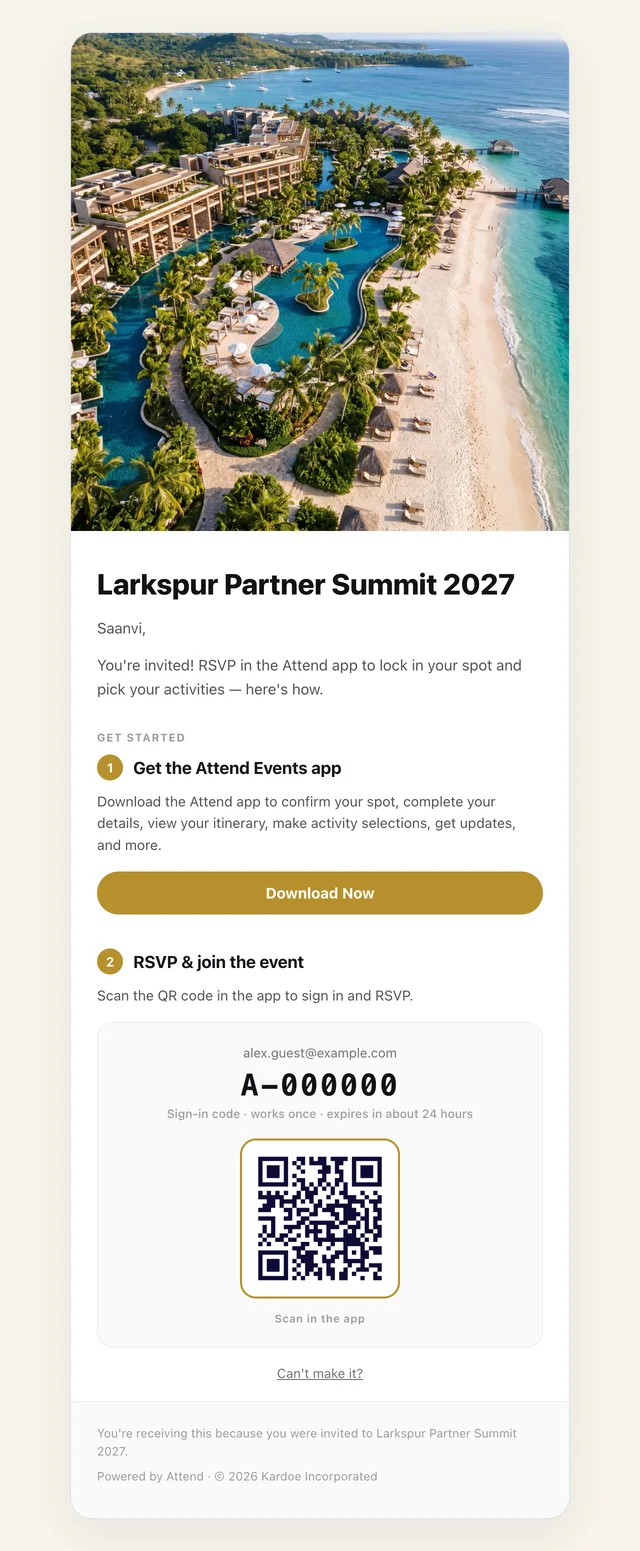
One app. Every event looks like its own.
Same event, same guests, three looks. Pick a header style, set your colors for light and dark, and the whole app follows: buttons, cards, the schedule, chat.
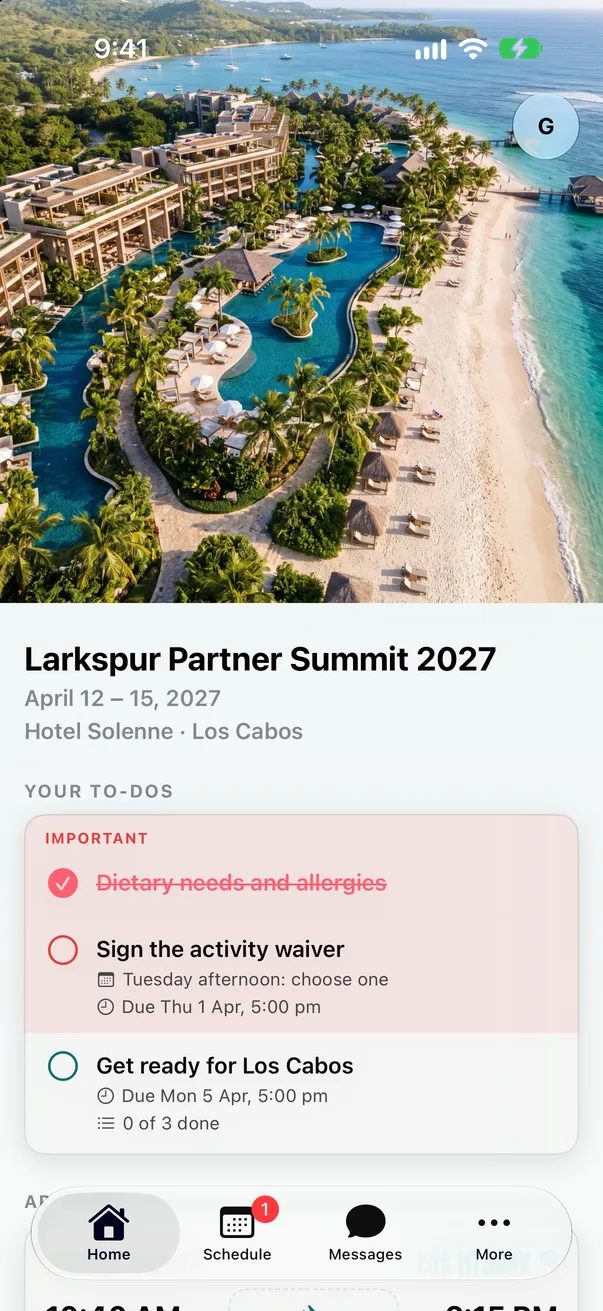
Coastal
Full photo header, teal accents.
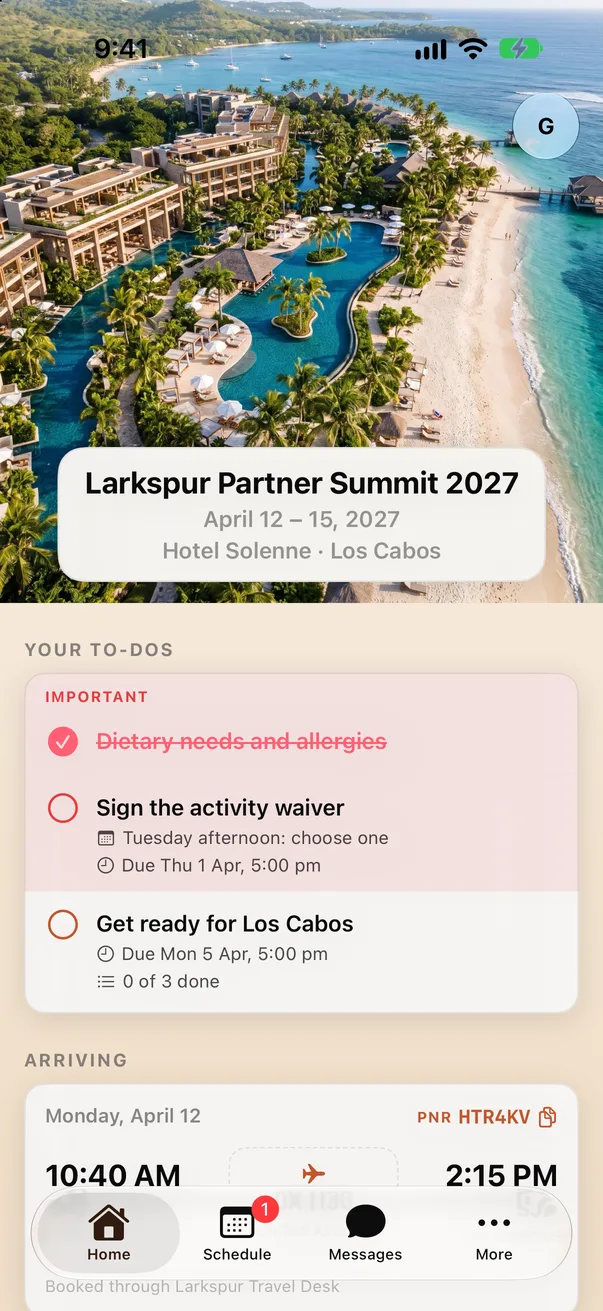
Sunset
Card header over the photo, terracotta on sand.
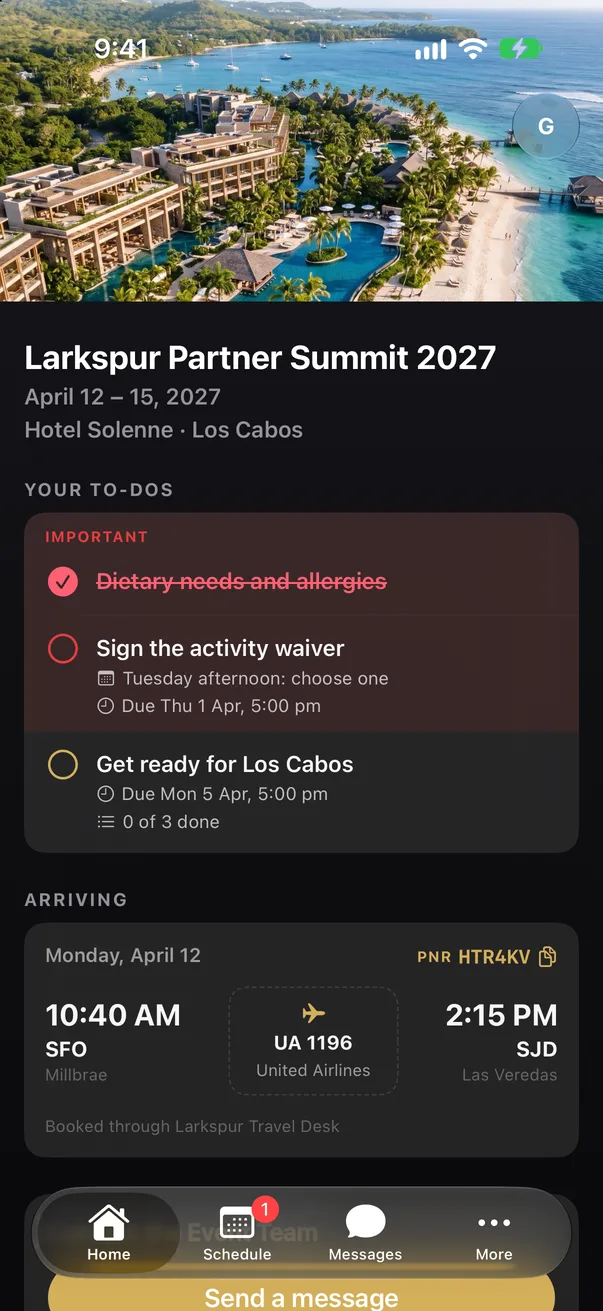
Black tie
Compact header, gold on near-black.
Set it in one place
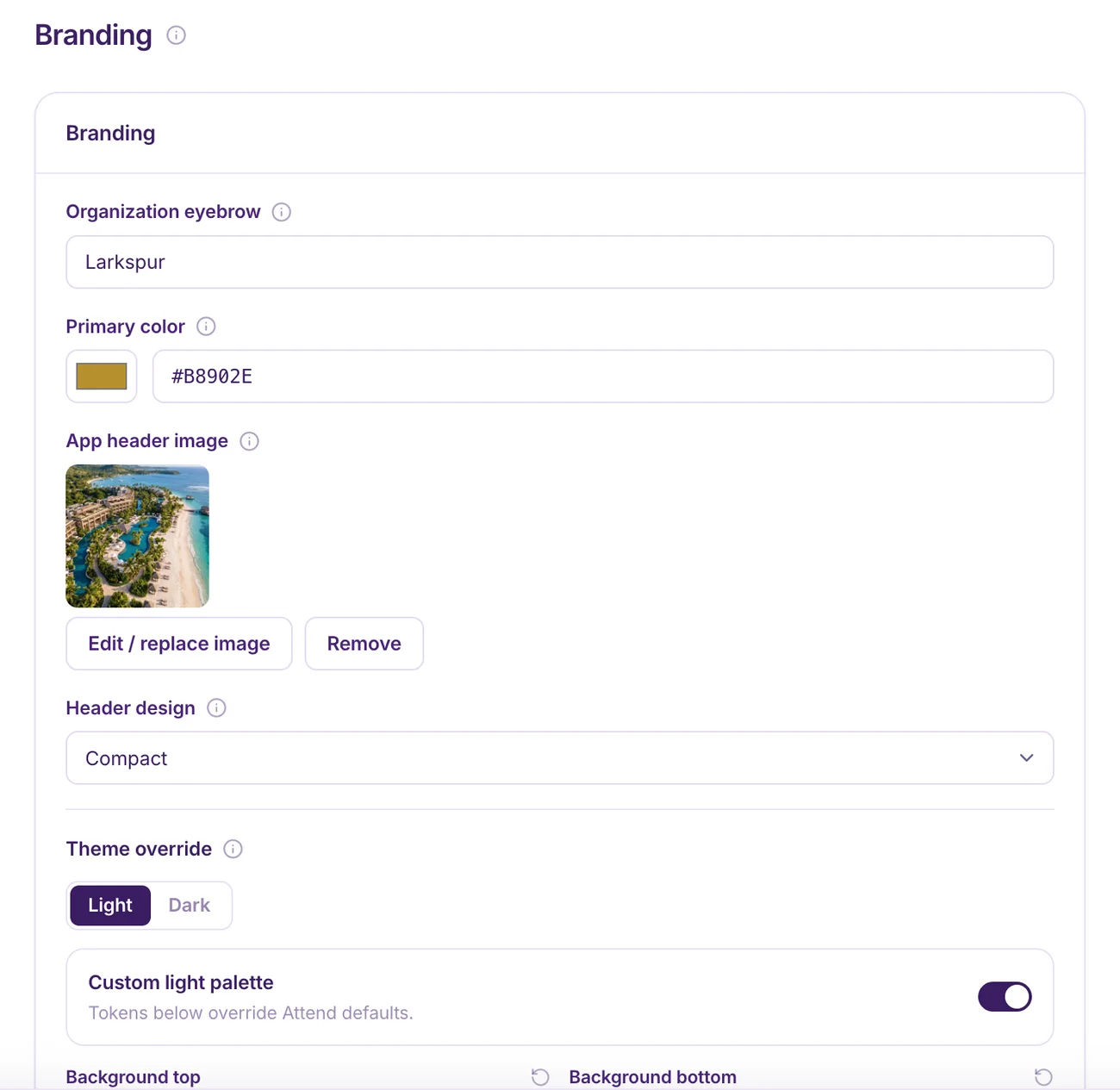
Upload a header photo, choose one of five header designs and set a primary color. For full control, override the palette token by token in light and dark.
- Five header designs. Full photo, compact, card and more.
- Light and dark. A separate palette for each, so night mode looks intentional too.
- Per event or per brand. Save a brand kit and reuse it across events.
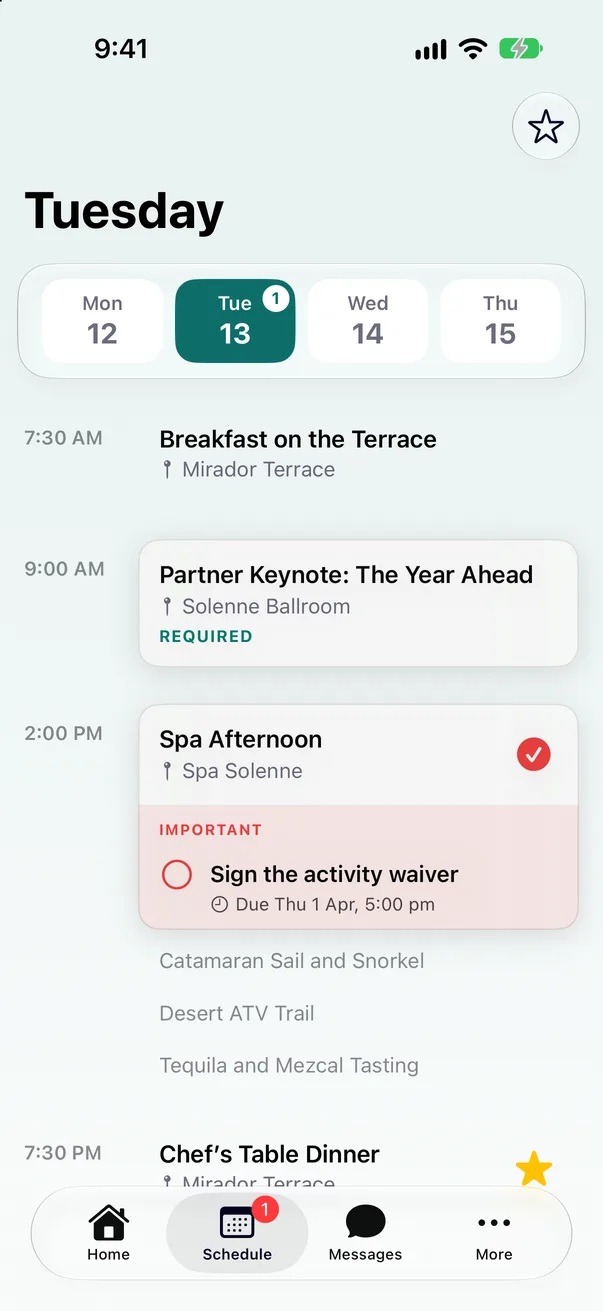
Coastal
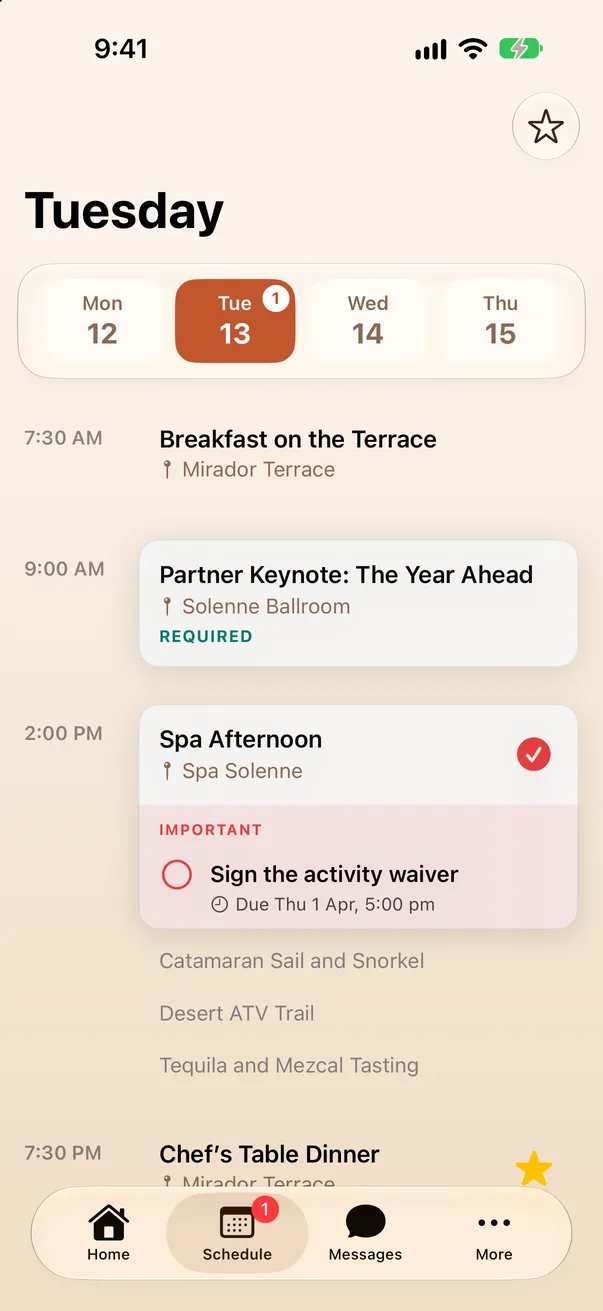
Sunset
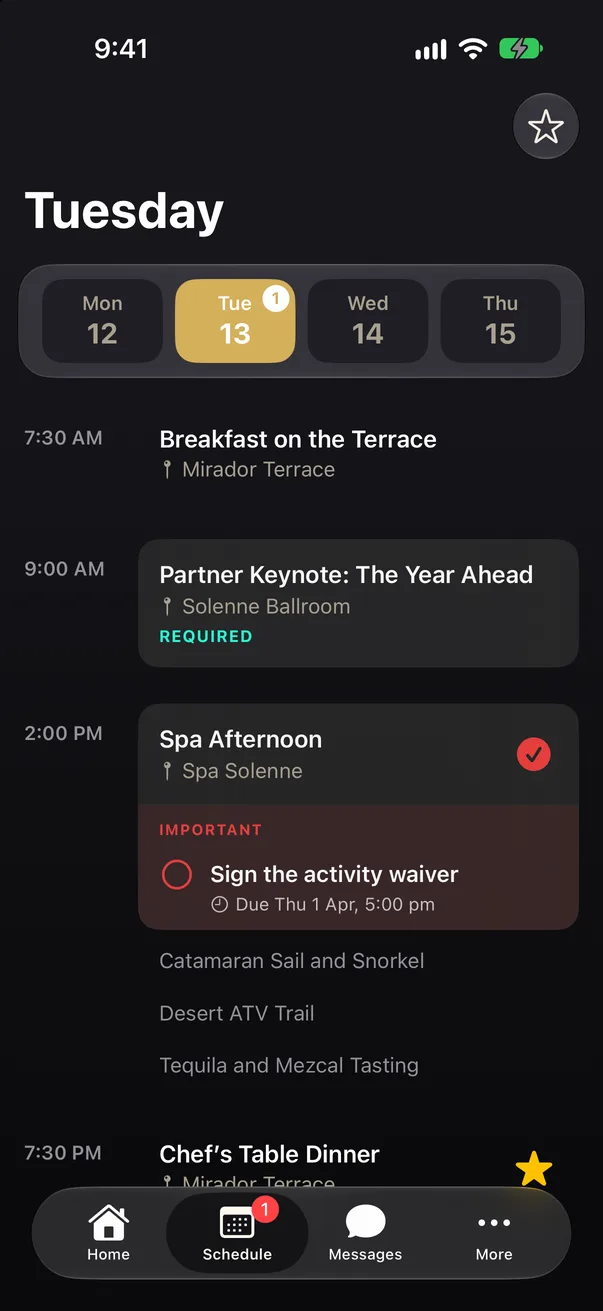
Black tie
The invite matches the app
The invitation email picks up the same look: the accent on the button, the step numbers and the QR code, over a wash of the event color. Guests see one brand from the first email to the last day.
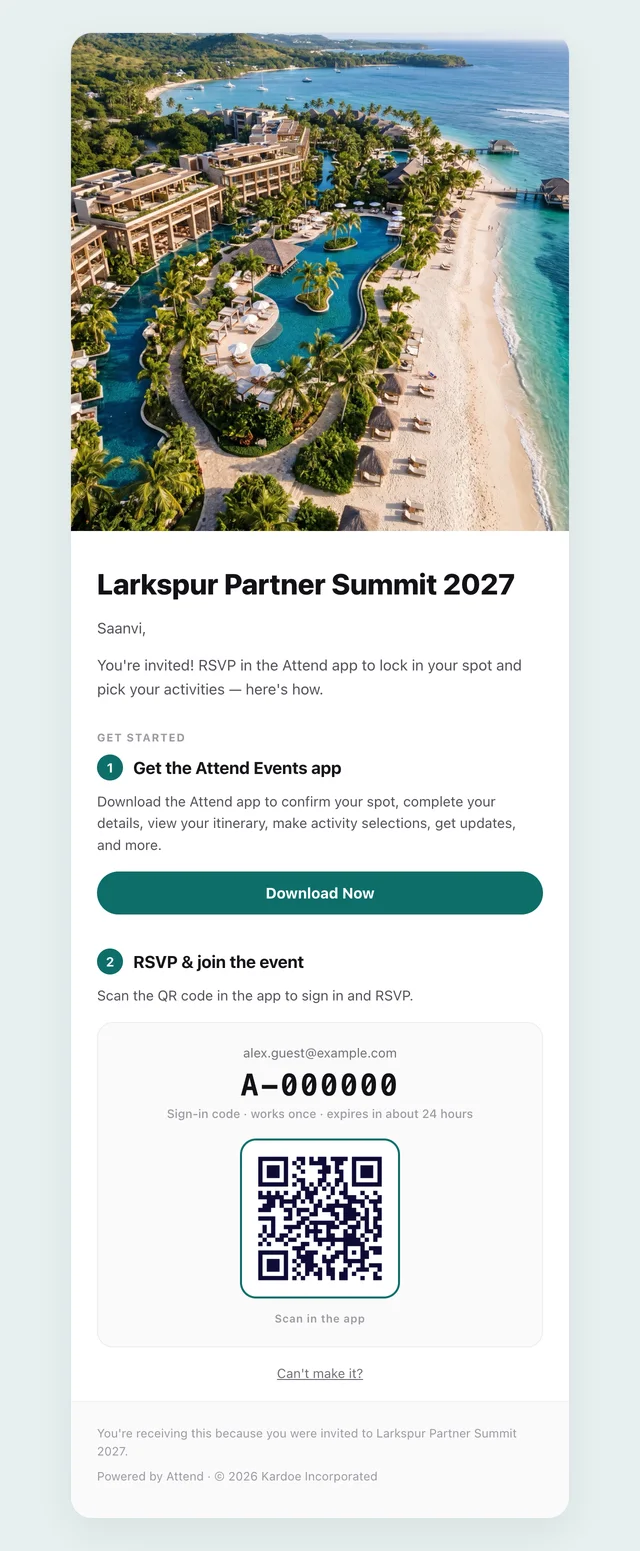
Coastal
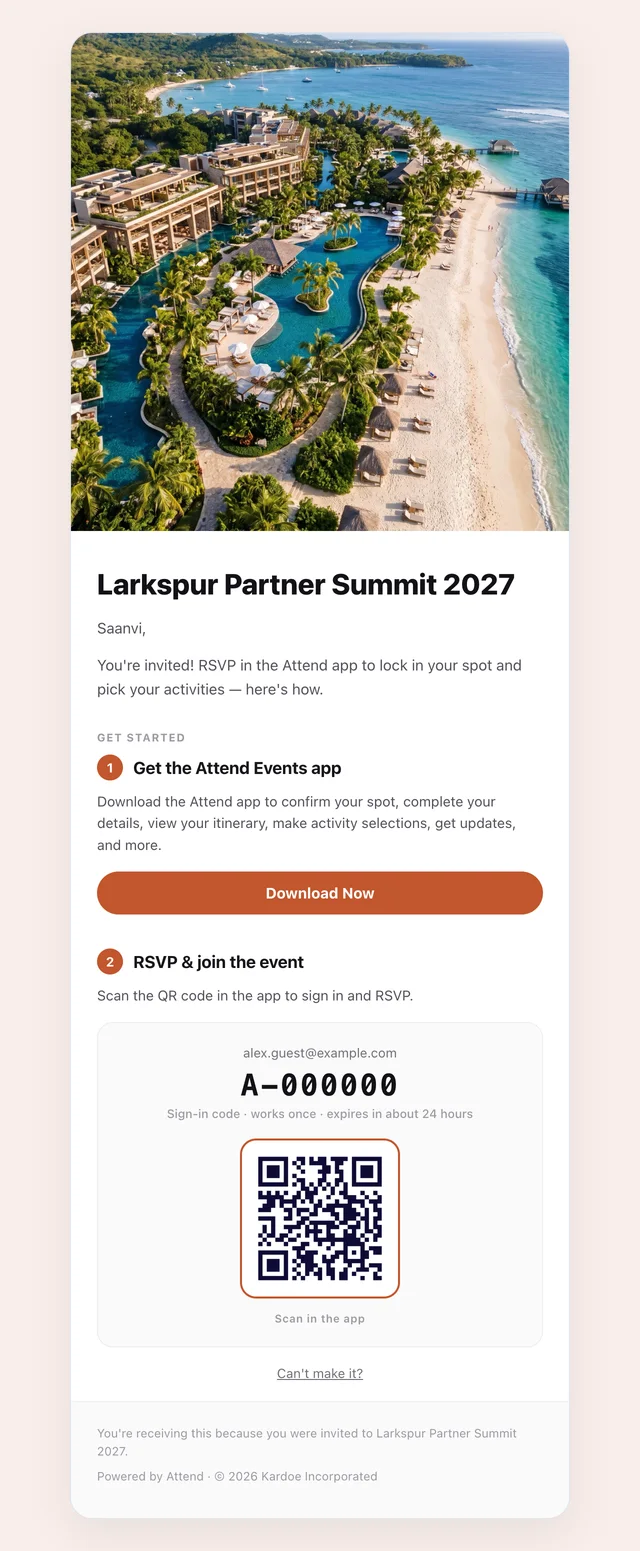
Sunset